



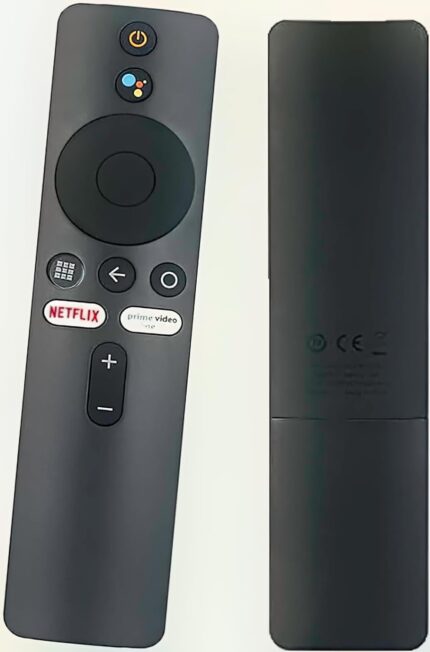
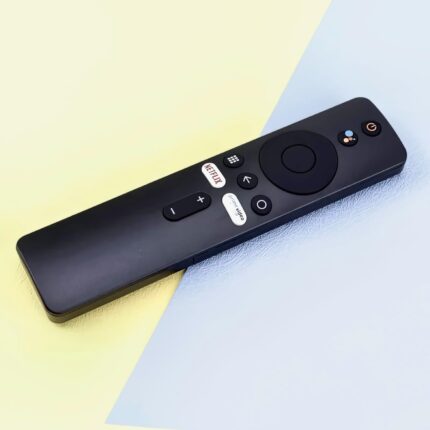
Original Xiaomi Mi TV Stick/MI Box 4S 4K, Remote Control With Bluetooth and Voice Control
- [Pairing Instructions] 1 First, turn on the Xiaomi TV or Box manually. Place the remote control near the Xiaomi TV or box and at the same time press and hold the red wireframe button underneath for 15-30 seconds.
- [Pairing Guide] 2 After the TV displays the pairing interface, release the button and wait for the TV to display
- [Pairing Instructions] 3 the successful pairing. It can be used normally. If pairing is unsuccessful, please repeat the above steps.
- Remote control for Xiaomi Mi TV Stick/MI BOX 4S 4K
- Operation with 2 AAA batteries (not included)
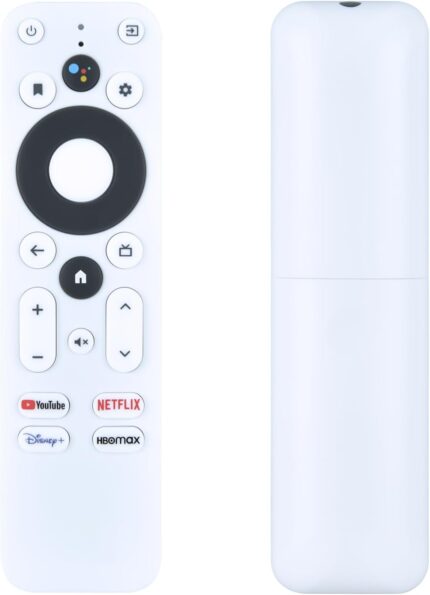
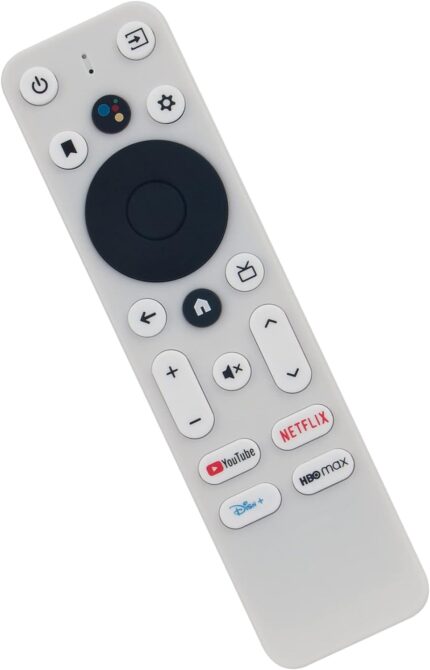
Original Onn Android TV 4K ,Google Tv UHD Stick TV Box Voice Replacement Remote Control

- 【Compatible for These Models】- Onn TV Stick Box models: 100024646 100026240.
- 【EASY TO PAIRING】Press the Auto pairing button on the device. When TV screen says"Start pairing", hold down the RETURN and HOME button on your remote until the LED light on your remote starts flashing, then Release it (The same pairing methord as the original remote)
- 【Easy Voice Search and Control】Press the Googlle Assistant button on the remote control and use your voice to quickly search for specific programs (such as YouTube and Netflix), control the volume, switch inputs, play music, check the weather, traffic conditions and more.
- 【Noticed】Compatible with Google Chromecast with TV 4K( the bottom 2 shortcut buttons Disney HBOMAX not working)
- 【What's inside】Include only voice remote suitable for Onn TV Stick Box , Chromecast devices are not included.
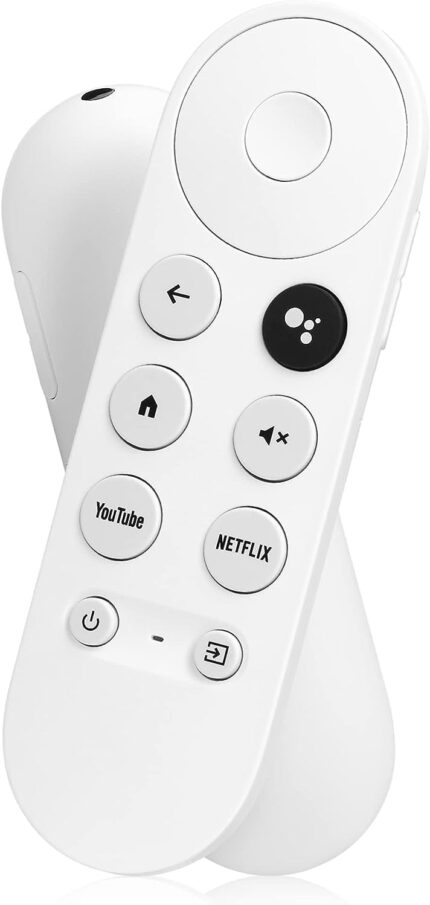
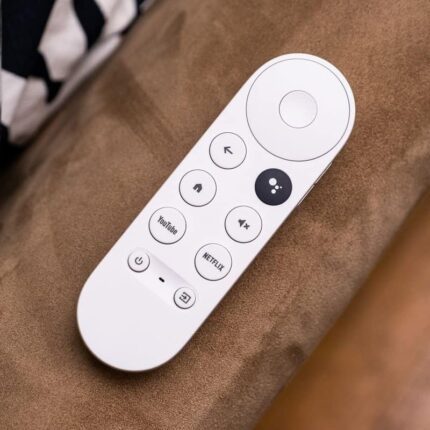
Original Google Voice Remote for Google Chromecast 4K Snow Streaming Media Player for G9N9N

- Seamless Compatibility: The Replacement Google Snow Remote Control by Anderic is engineered to perfectly fit and function with your Google Chromecast 4K Snow device. It ensures a seamless connection and allows you to effortlessly navigate through your favorite content.
- Convenient Pairing Instructions: Pairing the remote with your device is quick and hassle-free. Simply press and hold the BACK and HOME keys simultaneously until you see a pulsing light on the remote. Once the light appears, release the keys, and your remote is ready to use. Enjoy the convenience of a user-friendly pairing process.
- Replacement Remote Only: This product includes the remote control only. It serves as a direct replacement for the original Google Chromecast 4K Remote Control (Snow). Rest assured that you are getting a high-quality replacement that matches the functionality and performance of the original remote.
- Superior Functionality: With all the essential buttons and features, the Replacement Google Snow Remote Control allows you to effortlessly control your Google Chromecast 4K Snow. Enjoy seamless navigation, adjust settings, access your favorite apps, and more, all with the touch of a button.
- Attention to Detail: This remote is meticulously designed to meet the highest standards of quality and performance. It ensures a comfortable grip and easy operation, enhancing your overall viewing experience. The remote's sleek and stylish design perfectly complements your Google Chromecast 4K Snow device.